AI PDF summaries
Extract the main argument, sections, and key points from contracts, papers, manuals, and study notes.
QPdfReader helps you read faster on iPhone. Upload or scan a PDF, get structured summaries, ask questions, translate sections, mark up pages, and keep your document history close.
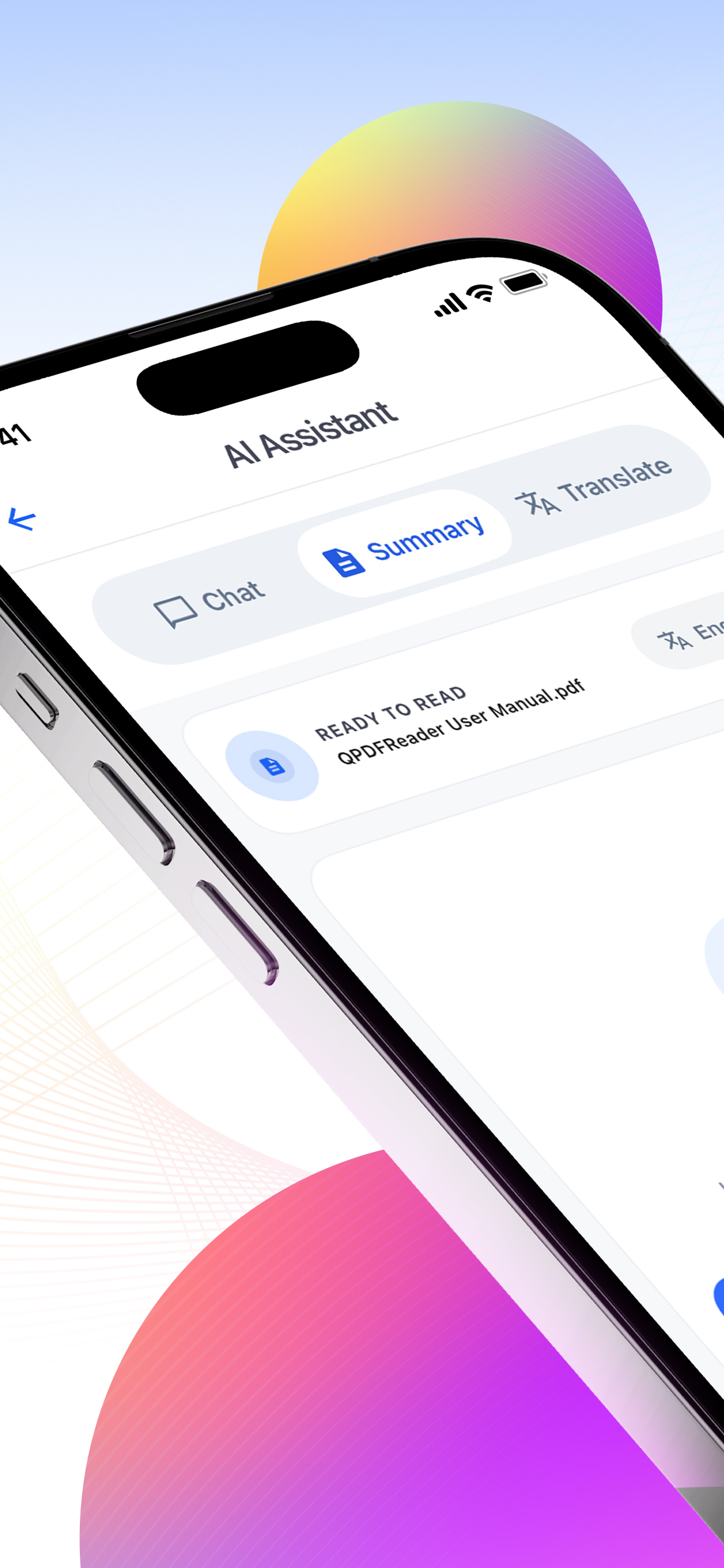
Summary
Seconds
Clean outline for long PDFs.
Translate
6 langs
Keep document context intact.
Review
History
Return to previous AI results.
What it does
Extract the main argument, sections, and key points from contracts, papers, manuals, and study notes.
Use Q&A to find facts, explain dense passages, or locate the part of a PDF that matters.
Translate sections without losing the structure of the original document.
Create PDFs from camera scans, mark up pages, and return to past summaries and conversations.
App screens
The app focuses on repeated document work: import, understand, translate, annotate, and return later.
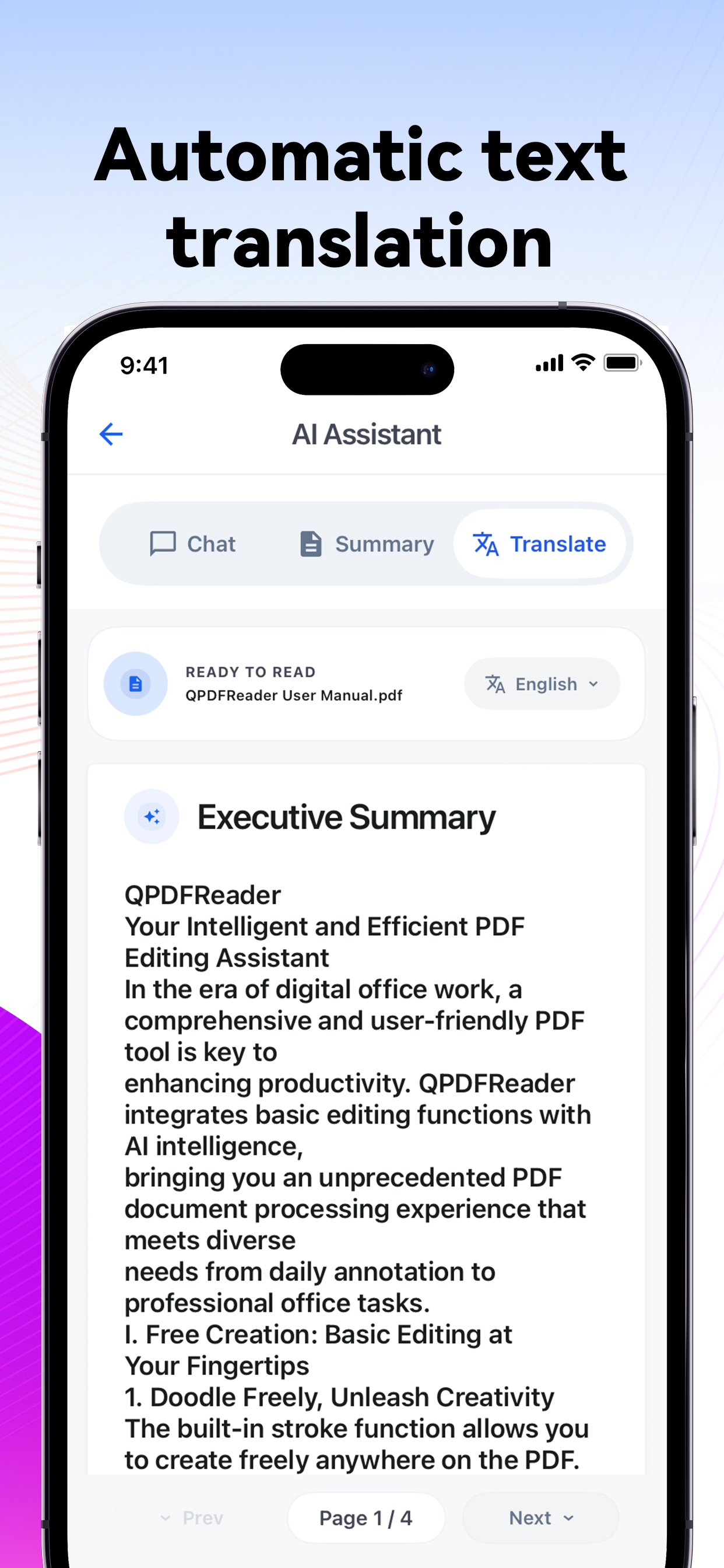
Translate document text while keeping the PDF context visible.
Open PDFs in a clean reader made for repeated review.
Mark up pages and keep important details easy to find.
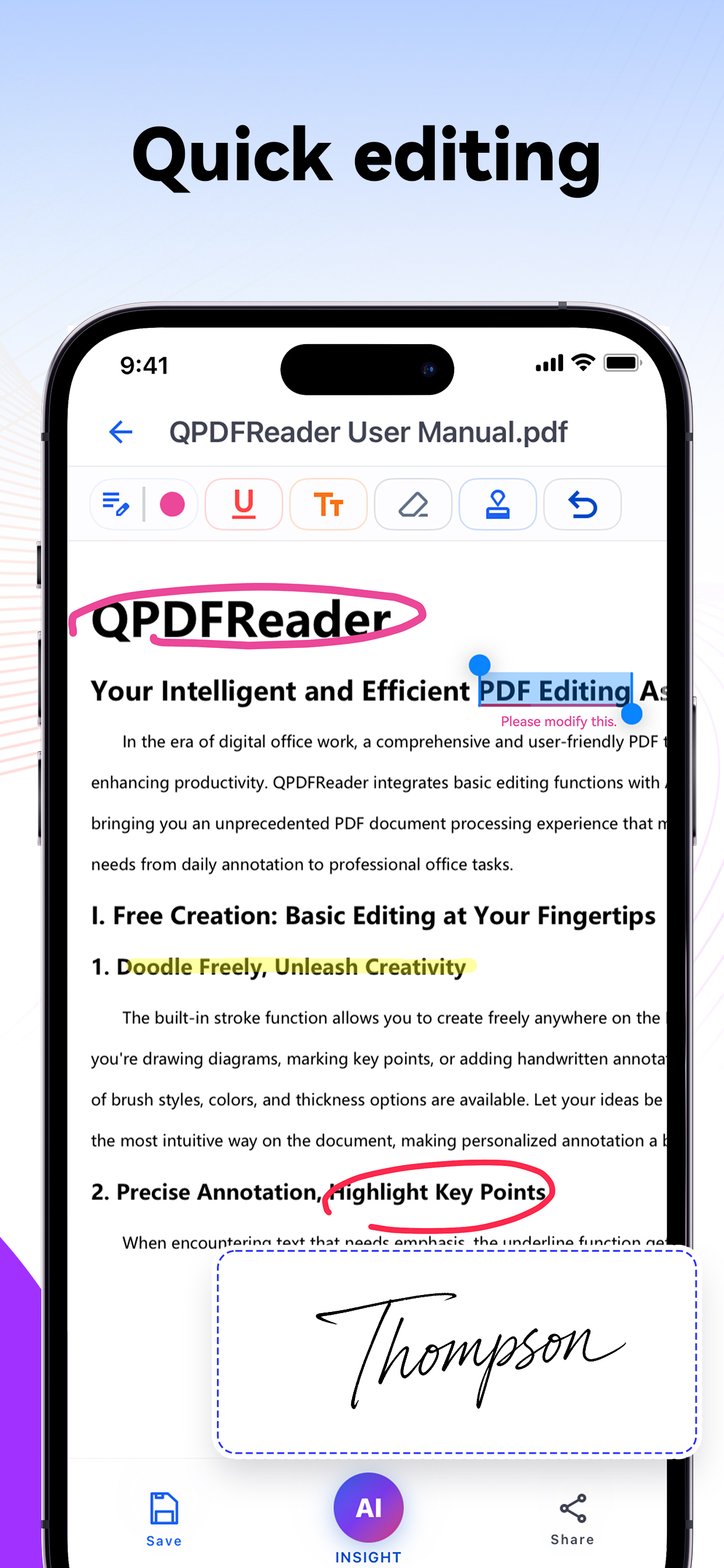
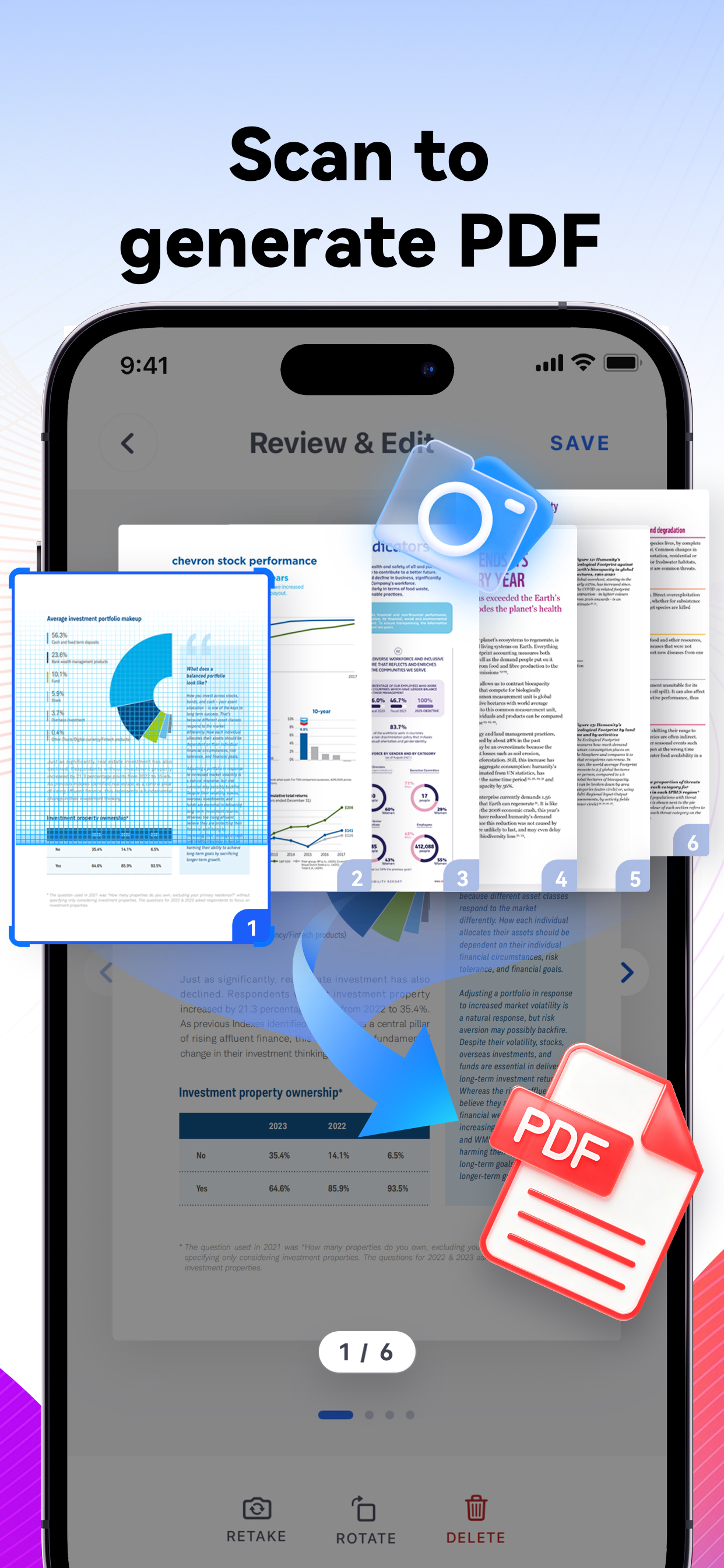
Create PDFs from camera scans and process them with AI.
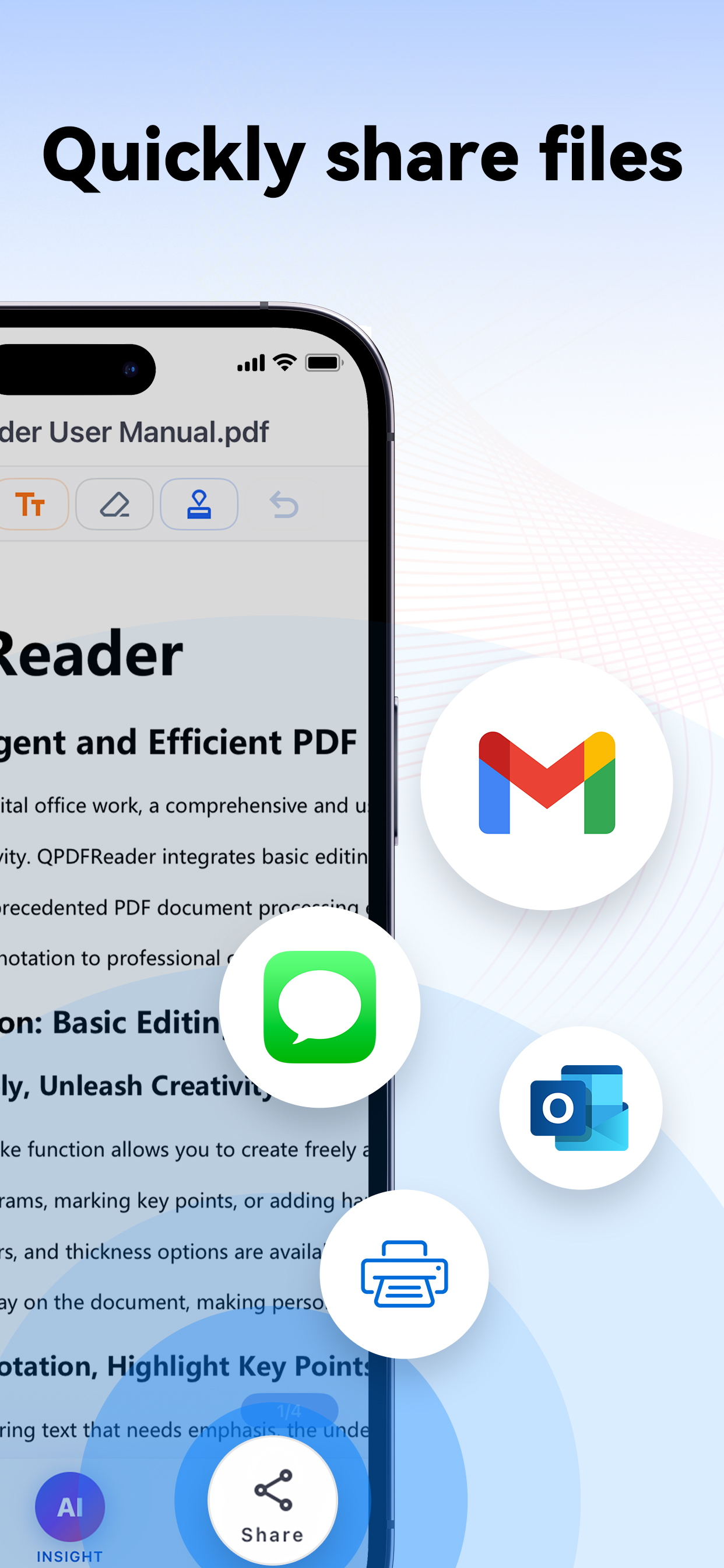
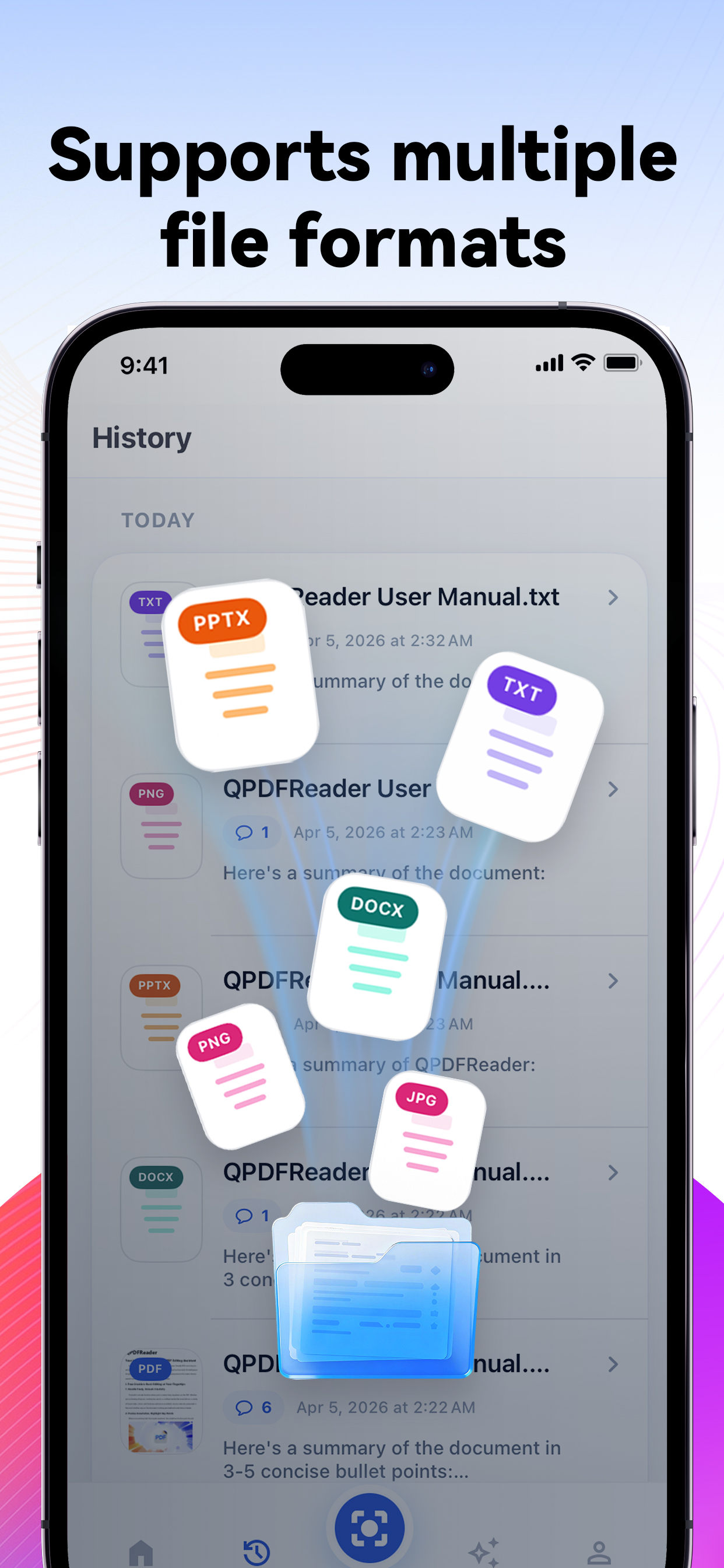
Return to past documents, summaries, and upgrade when needed.
How it works
QPdfReader keeps the AI features close to the PDF itself, so you can move from page reading to question answering without switching tools.
Start with an existing PDF or create one from your camera.
Summarize, ask questions, translate, or extract the key takeaways.
Use markup tools and history to keep your document work organized.
Download QPdfReader for iPhone and get summaries, document chat, translation, scanning, annotation, and history in one app.